
Best Apps for Managing Social Media Content
Introduction: The Challenge of Modern Social Media Management
Running multiple social media accounts in 2025 isn’t simple. Between Instagram Reels, TikTok, YouTube Shorts, and X (Twitter), content creators and brands face constant pressure to post regularly, maintain quality, and engage audiences in real time.
Managing all that manually is exhausting — which is why the right tools are essential. Modern apps automate scheduling, track analytics, and even help you repurpose or download content across platforms.
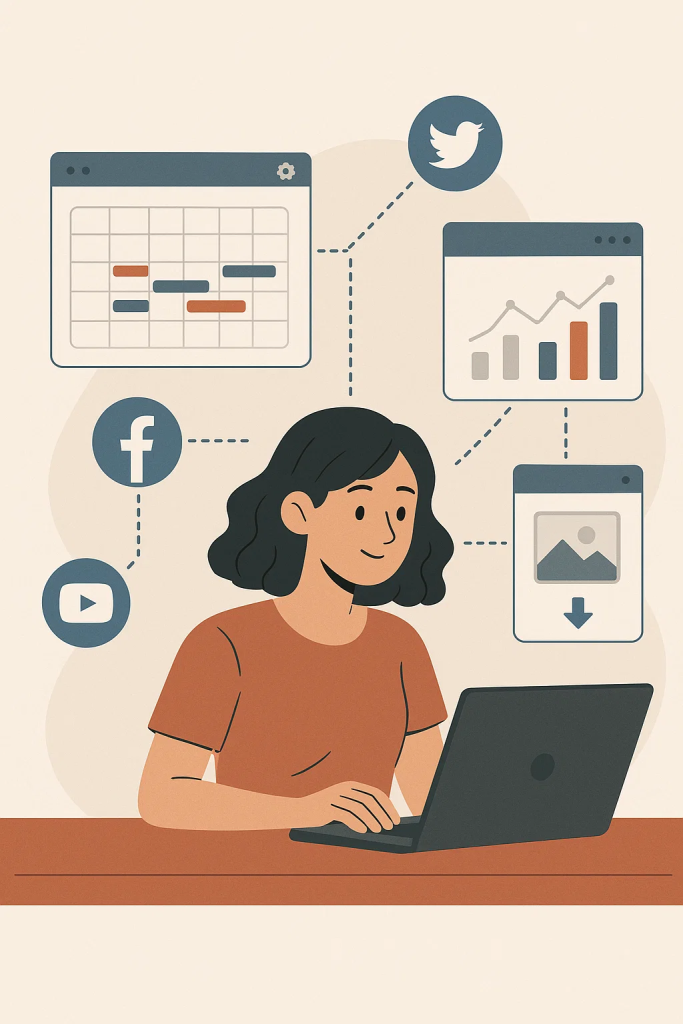
In this guide, we’ll explore the best apps for managing social media content efficiently, featuring tools for creation, organization, and publishing.
1. Hootsuite – The Classic All-in-One Manager
Hootsuite remains one of the most trusted platforms for businesses and creators who manage multiple profiles.
Key features:
- Schedule posts across Facebook, Instagram, LinkedIn, and X.
- Unified dashboard for content planning and engagement.
- Advanced analytics for tracking reach and conversions.
It’s ideal for marketing teams who need both flexibility and deep reporting in one place.
2. Buffer – Simplicity Meets Automation
Buffer focuses on clean design and ease of use. Its free plan covers essential features for individuals or small businesses.
Why it stands out:
- Drag-and-drop content calendar.
- Link shortener and analytics built-in.
- Direct Instagram Stories scheduling.
Buffer’s minimal interface makes it perfect for creators who prefer a clutter-free workflow.
3. Later – Visual Planning for Instagram and TikTok
Later was built for visual storytellers. Its grid preview and AI-powered hashtag suggestions make it a go-to for influencers and lifestyle brands.
Highlights:
- Preview your Instagram grid before publishing.
- Automatically post at optimal engagement times.
- Reuse and repurpose top-performing content.
It also integrates TikTok scheduling — something few other apps handle as smoothly.
4. Sprout Social – For Data-Driven Professionals
Sprout Social combines social listening, analytics, and CRM tools in one robust platform.
Best for:
- Agencies managing client accounts.
- Large teams coordinating marketing campaigns.
- Advanced reporting and competitor tracking.
Its premium price is justified by enterprise-level features and customer support.
5. Notion – Organize Your Social Strategy
Notion isn’t a traditional social media app, but it’s an unbeatable planning tool. Many content creators use it to manage calendars, scripts, and campaign briefs.
Advantages:
- Fully customizable pages and templates.
- Integration with scheduling apps via Zapier or Make.
- Perfect for editorial or team collaboration.
Notion turns chaotic ideas into structured campaigns that are easy to execute.
6. Canva – Create Stunning Visuals Fast
When it comes to quick design, Canva is king. Its ready-made templates for posts, stories, and thumbnails save hours of work.
Top features:
- Thousands of drag-and-drop layouts.
- AI tools for background removal and copy generation.
- Cloud collaboration for team design projects.
With Canva, even non-designers can produce professional-looking content for every social platform.
7. Trello – Track Campaign Progress
Trello’s card-based interface makes it perfect for managing social content pipelines — from brainstorming to publishing.
How it helps:
- Assign tasks, deadlines, and file attachments.
- Syncs with Slack, Google Drive, and other tools.
- Clear visual layout for campaign overviews.
It’s especially useful for small teams balancing multiple content streams.
8. Twvideodownloader – Save and Repurpose Media
One of the best browser-based tools for creators, Twvideodownloader allows users to download videos from X (Twitter) in HD format directly to Android devices.
Why it’s essential:
- No installation or sign-up required.
- Converts clips to MP4 for reuse or archiving.
- Fast, secure, and mobile-friendly.

You may want to learn more about why it’s a perfect companion for content managers who often save reference clips, repost brand mentions, or archive user-generated content for later editing.
9. Metricool – Analytics and Competitor Insights
Metricool provides a full suite of analytics for social channels, paid ads, and website traffic.
Benefits:
- Unified dashboard for all analytics.
- Competitor tracking for benchmarking.
- Optimal post-time recommendations based on audience activity.
It’s one of the few platforms that connects social and ad data in a single interface.
10. Loomly – Collaborative Brand Management
Loomly helps marketing teams maintain consistent tone, visuals, and posting schedules.
Features:
- Approval workflows for clients and collaborators.
- AI-driven caption suggestions.
- Calendar and post preview for every platform.
It’s designed for growing brands that need to scale content output without losing quality.
Expert Insights from AndroidAuthority
According to the AndroidAuthority guide, the biggest shift in social media management for 2025 is AI-assisted automation. Tools now analyze engagement patterns, automatically adjust scheduling times, and even generate draft captions or hashtags.
Their editors note that successful content managers combine visual-first creation tools like Canva with download utilities like Twvideodownloader to maintain an efficient content library across multiple platforms.
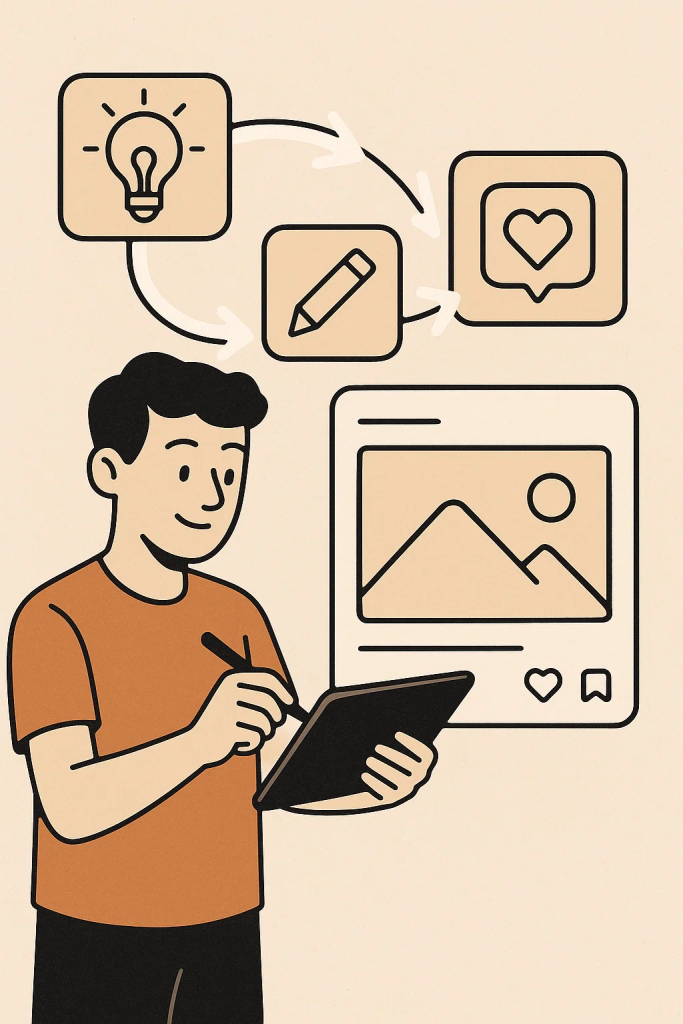
The report also emphasizes that the best apps are those that integrate seamlessly — allowing creators to move from idea to post with minimal friction.
How to Choose the Right Management App
When picking your tools, ask:
- Do I need automation or control? (Choose Hootsuite or Buffer.)
- Am I focused on visuals? (Go for Canva or Later.)
- Do I save and reuse media? (learn more is perfect.)
- Do I manage a team or clients? (Sprout Social or Loomly.)
The ideal setup often involves combining 2–3 tools that complement each other rather than relying on a single platform.
Conclusion
Managing social media content doesn’t have to be overwhelming. The right apps automate posting, simplify design, and centralize analytics — helping you focus on creativity and audience engagement.

With these tools in your arsenal, you can streamline your workflow, stay consistent across platforms, and make your social media strategy not just manageable — but unstoppable.

Erwan Don
I’m Erwan Don, and I collect and update menu prices from Filipino restaurants nationwide. My website provides food enthusiasts with comprehensive Filipino food list details and accurate Filipino menu prices to help you budget your dining experiences. I’m passionate about making Philippine cuisine accessible to everyone by sharing transparent pricing information. Join me in discovering the amazing world of Filipino dining.
